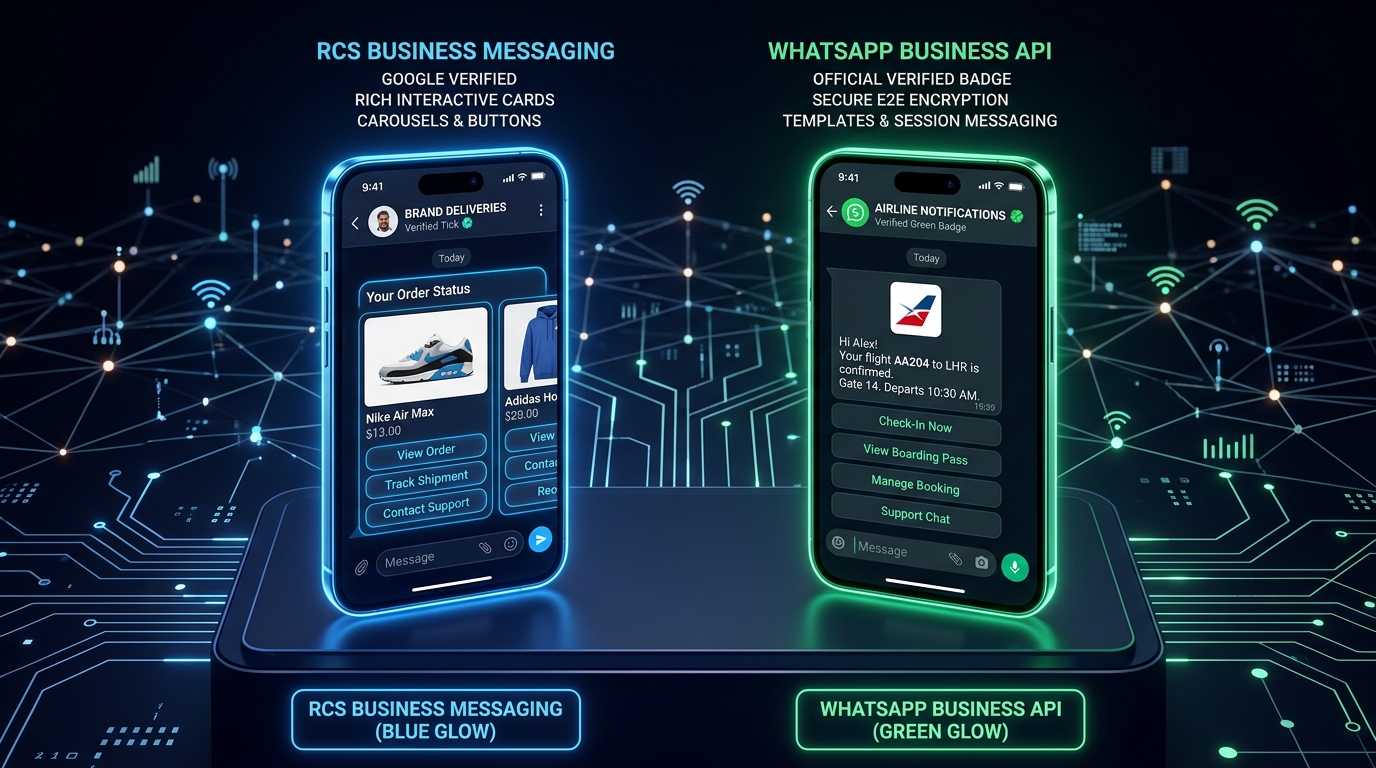

Integrating the official WhatsApp Business API enables automated notifications, OTPs, and 2-way customer conversations. However, encountering silent dispatch failures or HTTP error responses can halt customer onboarding.
When WhatsApp messages fail to deliver, the issue rarely lies with WhatsApp’s global telecom infrastructure—it almost always traces back to authentication headers, template variable discrepancies, or unhandled webhook state changes. Below is our definitive engineering troubleshooting guide.
1. Expired or Invalid User Access Token
One of the most frequent reasons for message transmission failure is attempting to authenticate with a temporary user token rather than a System User Permanent Access Token.
Error Symptom: HTTP 401 Unauthorized
{"error": {"message": "Error validating access token: Session has expired", "type": "OAuthException", "code": 190}}
Resolution:
- Navigate to your Meta Business Manager → Business Settings → Users → System Users.
- Create or select an Admin System User and generate a permanent token.
- Ensure the token has both
whatsapp_business_messagingandwhatsapp_business_managementscopes granted. - Store this token securely in your environment secrets or vault rather than hardcoding it into API clients.
2. Mismatched Phone Number ID vs WABA ID
The Meta Graph API endpoint requires your Phone Number ID in the URL path, not your WhatsApp Business Account (WABA) ID:
curl -X POST "https://graph.facebook.com/v21.0/<YOUR_PHONE_NUMBER_ID>/messages"   -H "Authorization: Bearer <PERMANENT_ACCESS_TOKEN>"   -H "Content-Type: application/json"   -d '{
    "messaging_product": "whatsapp",
    "to": "918376999000",
    "type": "template",
    "template": {
      "name": "otp_verification",
      "language": { "code": "en" },
      "components": [{
        "type": "body",
        "parameters": [{ "type": "text", "text": "492810" }]
      }]
    }
  }'
Sending the POST request to your WABA ID will return HTTP 400 Unsupported request - The endpoint does not support this method. Always copy the Phone Number ID directly from the WhatsApp > API Setup dashboard in Meta Developers.
3. Template Status & Variable Count Mismatches
When initiating conversations with customers outside the 24-hour window, WhatsApp requires pre-approved message templates. Common failure triggers include:
- Template Status is 'Pending' or 'Rejected': Only templates with
APPROVEDstatus will transmit. Check your template status inside the Meta Business Suite. - Parameter Count Mismatch: If your template has 3 parameters (
{{1}},{{2}},{{3}}), your API payload MUST supply exactly 3 parameters. Supplying fewer or more causes silent rejection or Error Code132000. - Language Code Mismatch: If the template was registered under
en_USand you requesten, delivery fails immediately.
4. Missing Country Code & Opt-In Verification
Phone numbers must always include the country code without plus signs (+), spaces, or leading zeroes. For an Indian number, send 918376999000, not 08376999000 or +91 8376 999 000.
Furthermore, Meta monitors user block rates. If your recipients repeatedly tap "Report as Spam", your business phone number's Quality Rating will drop from Green to Yellow to Red, triggering throttling or account suspension.
5. Meta 24-Hour Customer Care Window Expiration
WhatsApp classifies messages into two distinct sessions:
| Message Category | Allowed Outside 24h Window? | Payload Type Required |
|---|---|---|
| Free-form Text / Media | NO | Standard text / image / interactive buttons |
| Template Message | YES | Approved Meta Template with parameters |
If a customer hasn’t messaged your business in the last 24 hours, any attempt to send a regular text message will result in Error 131047: Message failed to send because more than 24 hours have passed since the customer last replied. Always fall back to an approved Utility or Marketing template.
6. Meta Payment Method & Tier Sending Limits
In the Cloud API, each business tier has a daily conversation limit (e.g. 1k, 10k, 100k, or unlimited conversations per 24 hours). Additionally, your Meta Business Account must have a valid credit card or billing credit line attached.
If your card expires, or if your payment is flagged by RBI 2-factor authentication policies for international credit cards, Meta immediately freezes outbound messaging with error code 131031.
7. Dropped Webhook Event Subscriptions
Sometimes messages are accepted by the API (HTTP 200) but never appear on the recipient’s phone. Without configured webhooks, your server is blind to terminal statuses like failed or undelivered.
Ensure your server responds with HTTP 200 OK to Meta webhook callbacks within 3 seconds, or Meta will temporarily disable your webhook URL due to backoff retries.
8. Automated Diagnostic Checklist & Verification
Quick WhatsApp API Diagnostic Checklist
Need Direct Enterprise Integration Assistance?
CPaaS Technologies provides pre-configured Meta Cloud API gateways, automated token rotation, failover to SMS, and dedicated technical onboarding for Indian enterprises.
Speak to an Integration Specialist →